ThinkVolt at Solar & Storage Expo Pakistan 2026: Connecting with Pakistan’s Energy Storage Market
2026-07-23
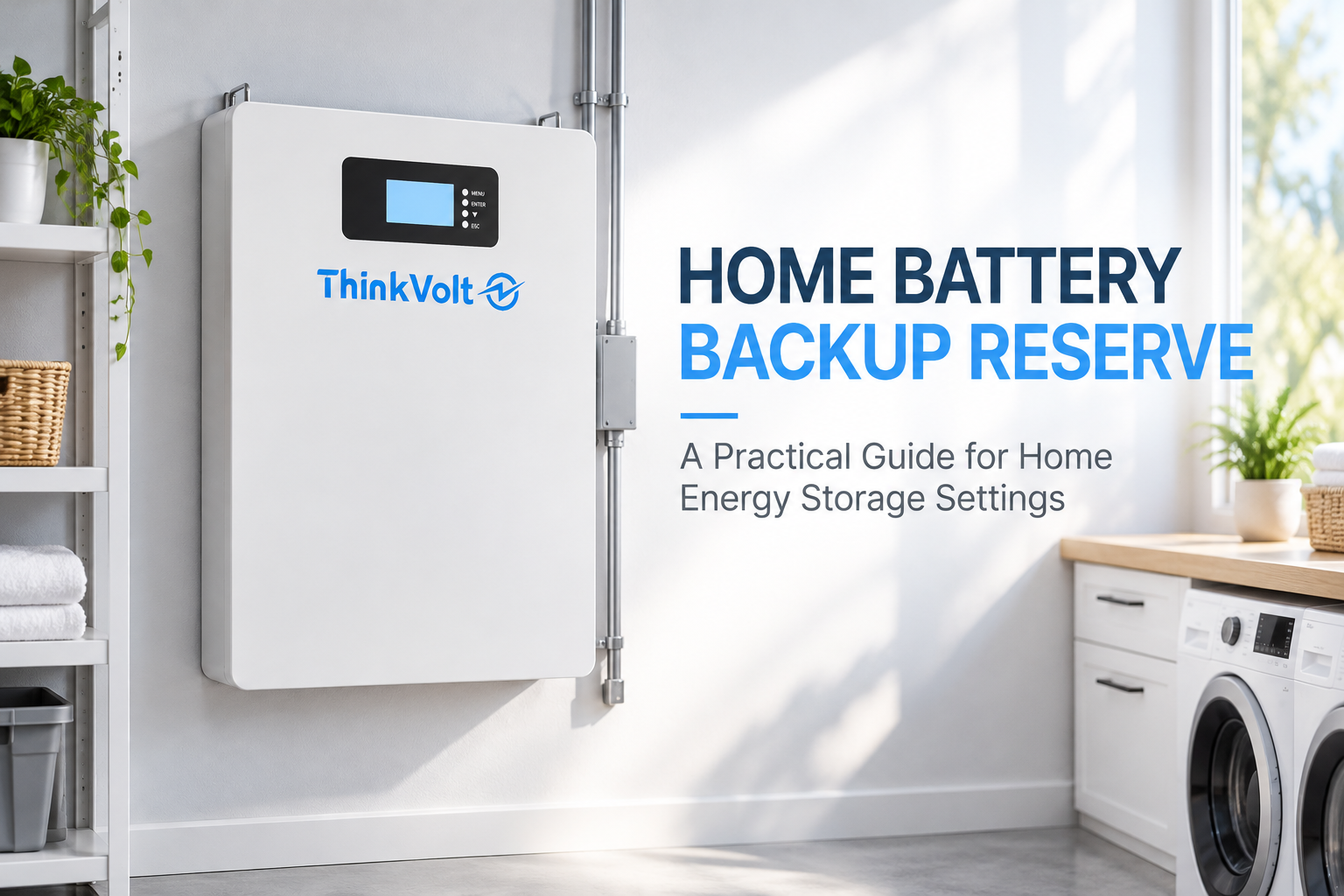
A home battery can last from a few hours to much longer during an outage, depending mainly on its usable energy and your average backup load. The basic formula is Backup Time (hours) = Usable Battery Energy (kWh) ÷ Average Backup Load (kW).
For example, 8 kWh of usable energy supplying a 0.5 kW average load gives a theoretical runtime of 16 hours. Actual runtime may vary with starting SOC, reserve settings, conversion losses, and changing household loads.
This guide shows you how to calculate backup time, compare battery and load scenarios, and estimate the capacity needed for 8, 12, or 24 hours of backup.
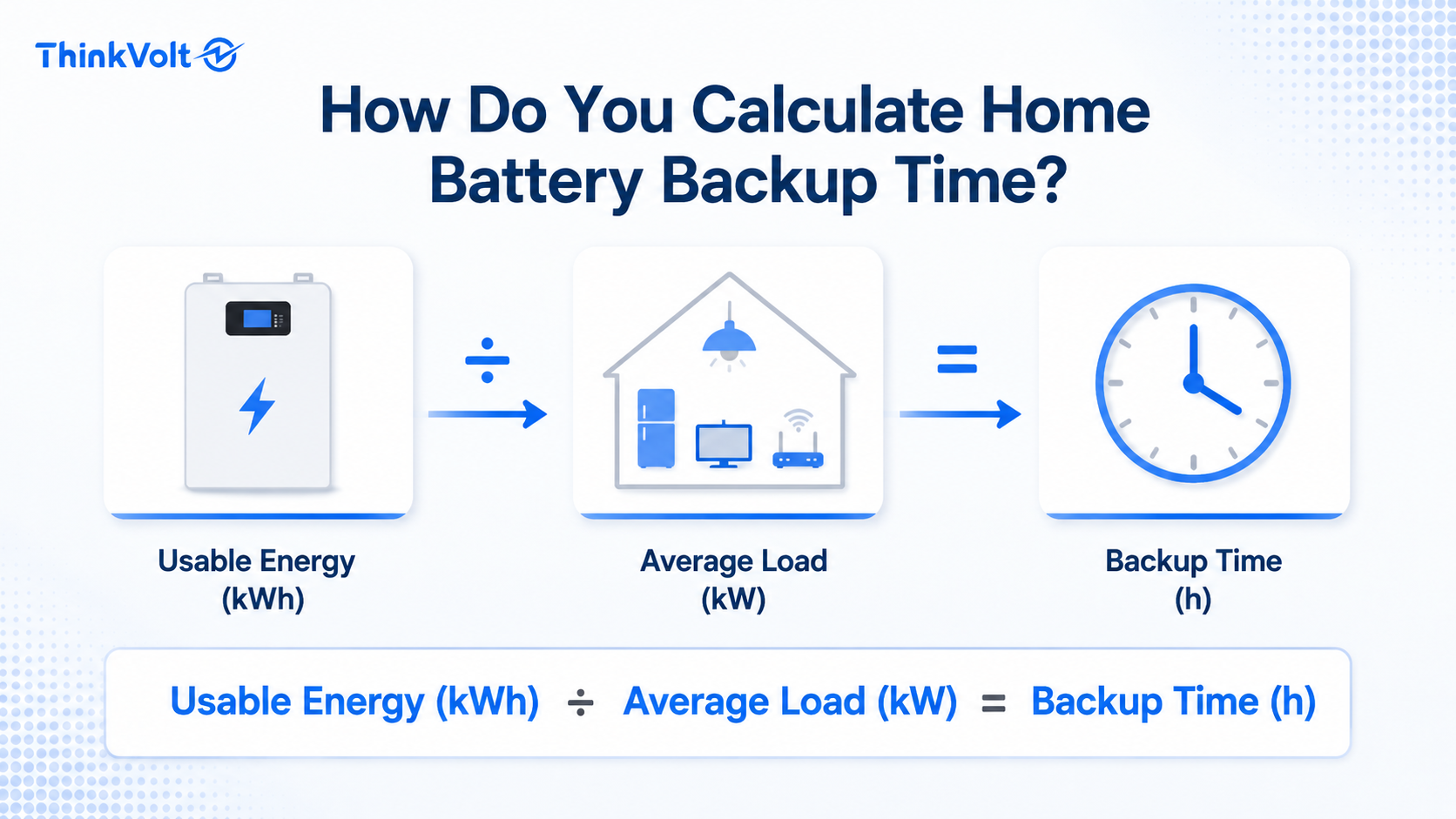
Calculate home battery backup time by dividing the usable battery energy by the average backup load:
Backup Time (hours) = Usable Battery Energy (kWh) ÷ Average Backup Load (kW)
Here, kWh measures available energy, while kW measures the rate at which your loads consume that energy.
If you have 8 kWh of usable energy and an average backup load of 0.5 kW:
8 kWh ÷ 0.5 kW = 16 hours
This gives you a planning estimate rather than a guaranteed outage duration. For a more realistic result, you need to determine the energy actually available from the battery and the average load you expect during the outage.
You need five main inputs: battery capacity, starting SOC, minimum or reserve SOC, average backup load, and the applicable system efficiency. Use values from your actual battery and electrical system whenever possible.
Input | Unit | Where to Find It |
Battery capacity | kWh | Datasheet, system documentation, or monitoring app |
Starting SOC | % | Battery or inverter monitoring app |
Minimum/reserve SOC | % | System settings or product documentation |
Average backup load | W or kW | Appliance data, energy monitor, or measured backup-circuit load |
Applicable efficiency | % | Inverter or system technical documentation |
Check whether the manufacturer specifies rated capacity, usable capacity, or both. These values are not automatically interchangeable.
If a value cannot be verified, record it as an assumption rather than treating it as a known system specification.
Usable battery energy is the stored energy actually available within your planned discharge window. If the manufacturer already specifies usable capacity, use that figure as your starting point rather than automatically applying another depth-of-discharge adjustment.
Suppose a battery is rated at 10 kWh but its documentation specifies 9 kWh of usable capacity. Start the runtime calculation with the 9 kWh usable figure.
Do not automatically reduce that figure again using DoD unless the system documentation or your chosen calculation boundary requires it. Otherwise, you may count the same limitation twice.
If only rated capacity is available, determine how much of it is available between the starting SOC and minimum SOC:
Available Battery Energy = Rated Capacity × Available SOC Range
For a hypothetical 10 kWh battery starting at 90% SOC with a 20% minimum SOC:
10 kWh × (90% − 20%) = 7 kWh
The available energy within that SOC window is therefore 7 kWh before any applicable conversion losses.
The permitted discharge range depends on the specific battery, BMS, inverter settings, and system configuration. Check what DoD, minimum SOC, reserve SOC, and usable capacity mean in the applicable product documentation before combining them in one calculation.
Your average backup load should represent the appliances and circuits you actually plan to operate during an outage, not the maximum possible demand of your entire home.
Start by listing your essential loads. These might include a refrigerator, Wi-Fi router, lighting, selected outlets, security equipment, or other equipment that must remain powered.
Use appliance specifications, an energy monitor, or measured data to identify running power. For equipment that cycles on and off, estimate its average contribution rather than assuming full rated power for the entire outage.
A simple worksheet can help:
Backup Load | Running Power | Expected Use | Average Contribution |
Load A | Measured/rated W | Continuous | Calculated W |
Load B | Measured/rated W | Intermittent | Calculated W |
Load C | Measured/rated W | Intermittent | Calculated W |
Total | Average backup load |
Convert the final total from watts to kilowatts by dividing by 1,000. For example, 500 W equals 0.5 kW.
Keep starting surge separate from the average runtime load. Surge affects whether the system can start certain equipment and should be checked as a power requirement.
Once you know the available battery energy and average load, you can calculate backup time using one consistent calculation boundary.
Consider this hypothetical example:
· Rated capacity: 10 kWh
· Starting SOC: 90%
· Minimum SOC: 20%
· Assumed DC-to-AC efficiency: 95%
· Average backup load: 0.5 kW
Step 1: Find the available SOC range.
90% − 20% = 70%
Step 2: Calculate available battery energy.
10 kWh × 70% = 7 kWh
Step 3: Apply the assumed conversion efficiency.
7 kWh × 95% = 6.65 kWh
Step 4: Calculate backup time.
6.65 kWh ÷ 0.5 kW = 13.3 hours
The estimated backup time is therefore about 13.3 hours under these assumptions.
The 95% efficiency in this example is an illustrative assumption, not a universal value for home battery systems. Use the applicable technical data for the battery-inverter system you are evaluating.
Starting SOC, reserve settings, conversion losses, changing loads, battery condition, and operating temperature can all change actual runtime.
Factor | Effect on Runtime |
Starting SOC | Lower starting charge means less energy is available |
Reserve/minimum SOC | Reserved energy reduces the planned discharge window |
Conversion losses | Reduce the energy delivered to AC loads |
Changing loads | Higher average consumption shortens runtime |
Battery condition | Available capacity may change over the battery’s service life |
Temperature | Operating conditions can affect available battery performance |
System consumption | Inverter and system components may consume some stored energy |
Be careful not to apply the same loss twice. For example, if usable capacity already reflects the permitted discharge window, another DoD reduction may not be appropriate.
Also distinguish discharge/inverter efficiency from round-trip efficiency. They describe different calculation boundaries and should not be treated as interchangeable without checking the technical documentation.
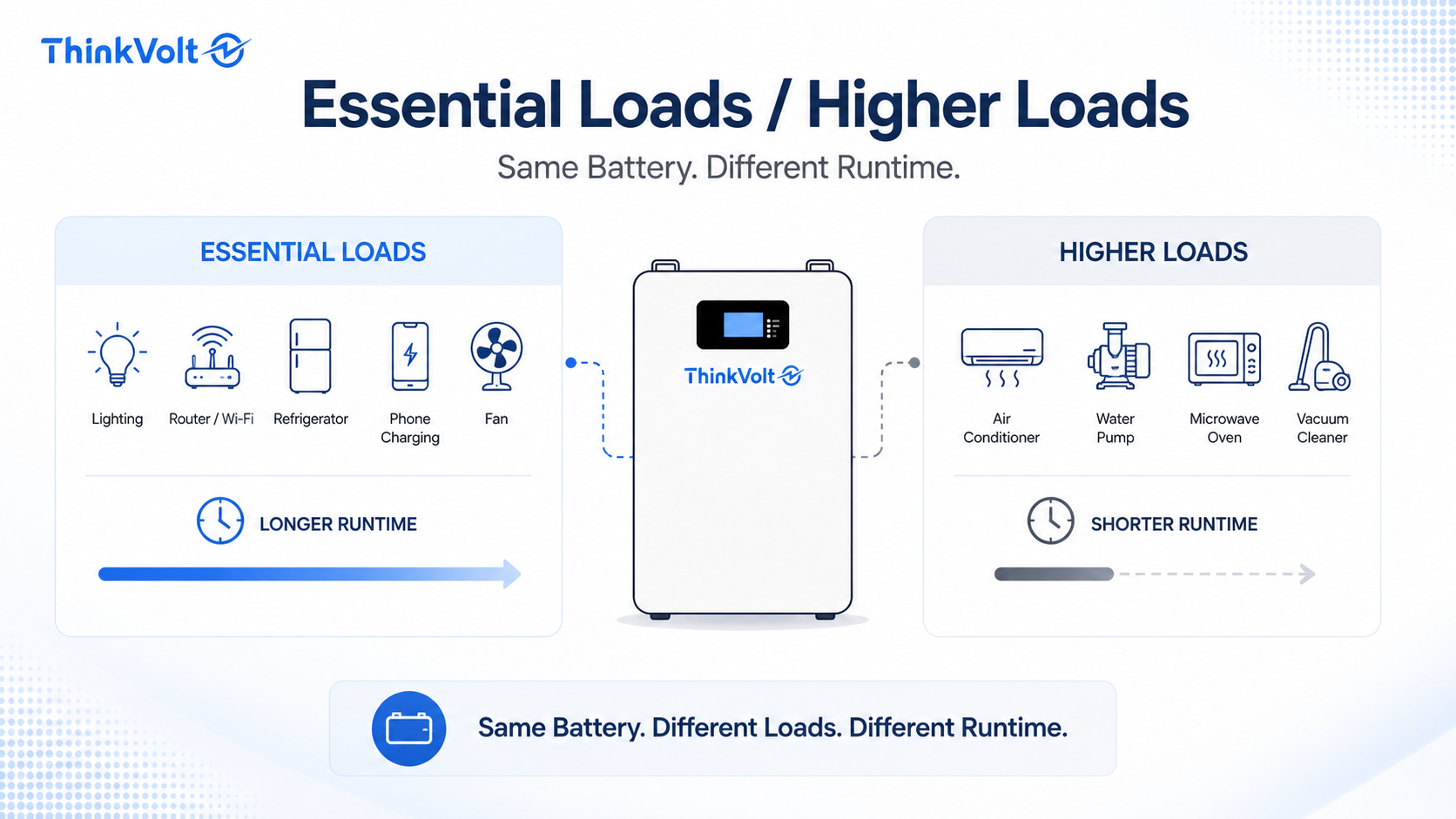
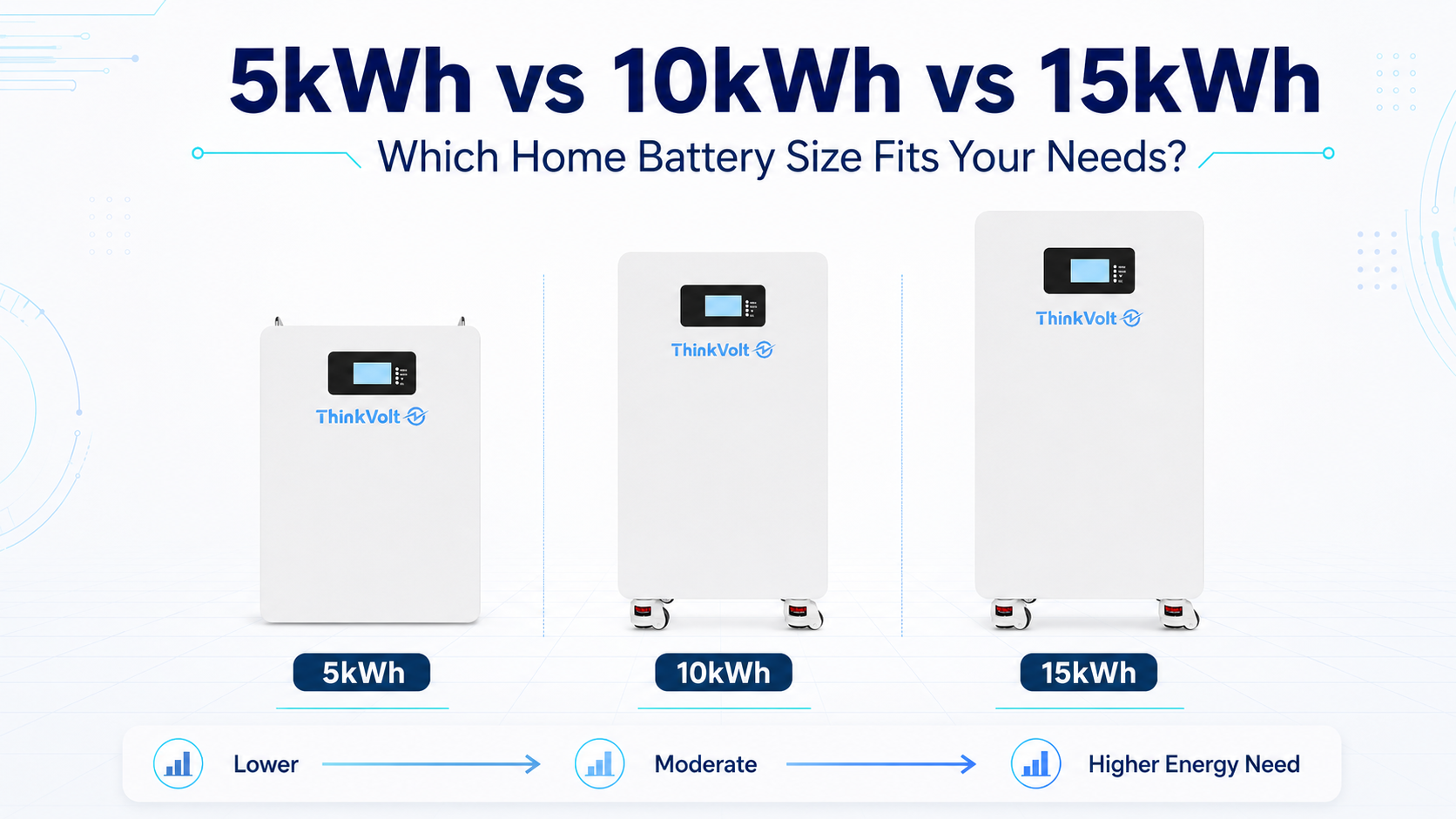
Battery size alone does not determine backup time. Runtime changes directly with the usable energy available and the average load.
The following examples assume the listed kWh is already usable energy available to the AC backup loads, so no additional efficiency or reserve reduction is applied.
Usable Energy | 0.3 kW Load | 0.5 kW Load | 1.0 kW Load | 2.0 kW Load |
5 kWh | 16.7 h | 10 h | 5 h | 2.5 h |
10 kWh | 33.3 h | 20 h | 10 h | 5 h |
15 kWh | 50 h | 30 h | 15 h | 7.5 h |
For example, 10 kWh of usable energy lasts an estimated 10 hours at a 1 kW average load but only 5 hours at 2 kW.
This is why statements such as “a 10 kWh battery lasts 10 hours” are incomplete unless the usable energy and average load are also defined.
To work backward from a target backup time, multiply the average backup load by the required number of hours:
Required Usable Energy = Average Backup Load × Target Backup Time
For a 0.5 kW average backup load:
Target Time | Average Load | Required Usable Energy |
8 hours | 0.5 kW | 4 kWh |
12 hours | 0.5 kW | 6 kWh |
24 hours | 0.5 kW | 12 kWh |
These values represent energy required by the loads, not necessarily the required battery nameplate capacity.
For example, suppose you need 6 kWh delivered to the loads. If your planning assumptions allow 80% of rated capacity to be used and assume 95% applicable conversion efficiency:
Required Rated Capacity = 6 kWh ÷ (0.80 × 0.95)
Required Rated Capacity ≈ 7.9 kWh
Both percentages are example assumptions. For an actual system, use its documented usable capacity, operating limits, and efficiency data.
After calculating the energy requirement, check the available battery configurations and confirm the system can also meet your power requirements.
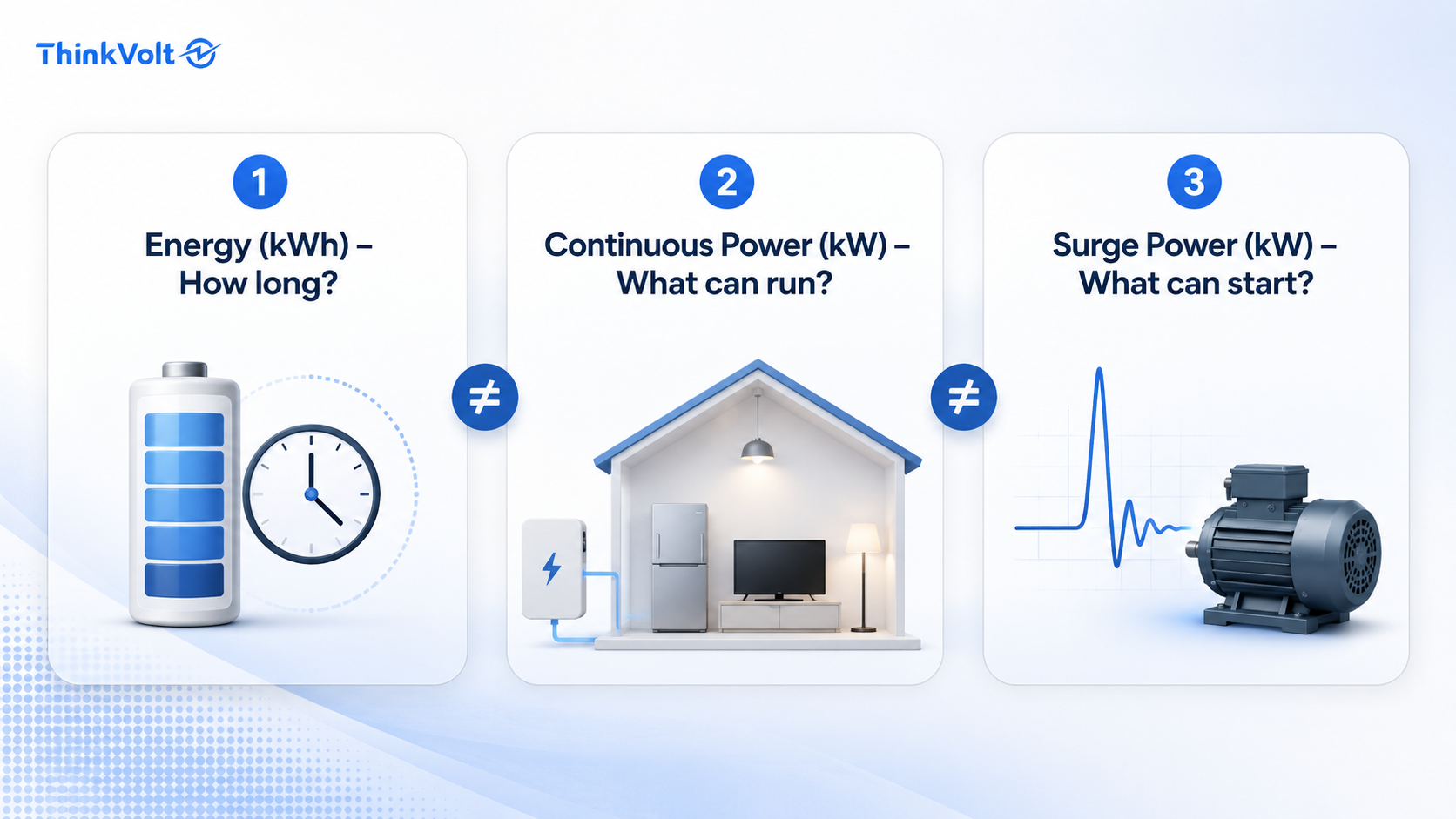
Enough kWh does not guarantee that a battery system can run every selected appliance. Energy capacity determines how much energy is available, while continuous and surge power determine whether the system can supply the required loads at a given moment.
Check | What It Tells You |
Energy capacity (kWh) | How long loads may run |
Continuous power (kW) | How much load can operate continuously |
Surge power (kW) | Whether short-duration starting demand can be supported |
Equipment with motors or compressors may briefly require higher power when starting. This surge should not be multiplied by the entire outage duration; instead, confirm that the battery-inverter system can support it.
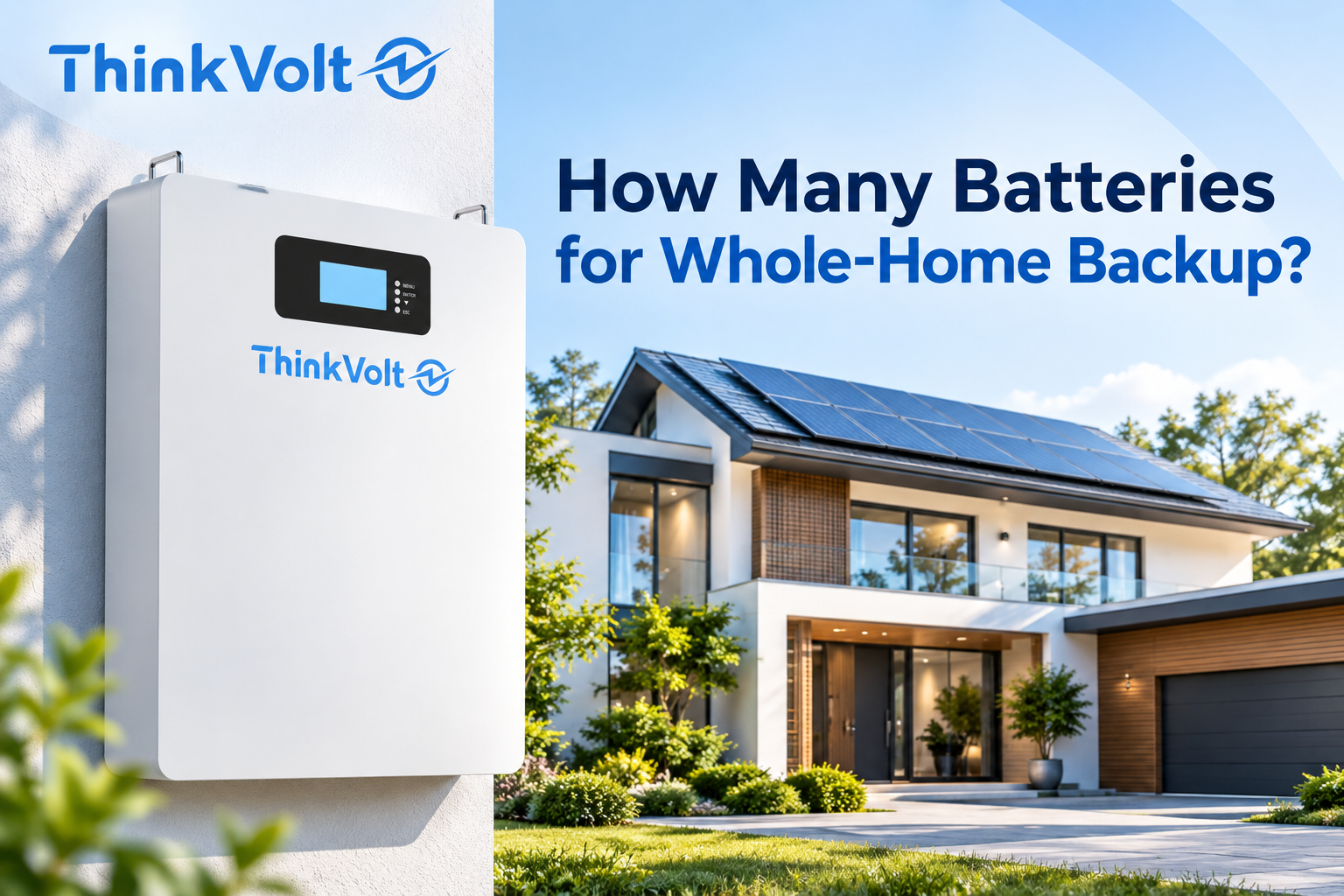
This distinction becomes especially important for whole-home backup. A system may have enough stored energy for your target runtime but still be unable to operate all high-power loads simultaneously.
A home battery backup time calculator is useful for planning and comparing system sizes, but its result should be treated as an estimate. Accuracy depends largely on the quality of your battery and load inputs.
Real homes have changing loads. Appliances cycle, users change what they operate, and battery conditions may differ when an outage begins. Measured consumption and current system data therefore provide a stronger basis than generic appliance assumptions.
For system selection, use the calculated runtime as a starting point and then verify critical loads, average and peak demand, target backup hours, battery operating limits, inverter model, PV configuration, and installation conditions.
Whole-home backup, large motor loads, strict runtime requirements, or compatibility questions require a complete system review rather than a runtime calculation alone.
The most common errors are mixing up power and energy, overstating usable capacity, using unrealistic loads, or applying the same adjustment twice.
Mistake | Better Approach |
Confusing kW and kWh | Use kWh for energy and kW for load |
Treating rated capacity as fully usable | Verify usable capacity and discharge limits |
Assuming 100% starting SOC | Use current SOC when available |
Ignoring reserve SOC | Include the configured discharge limit |
Using surge watts as a continuous load | Calculate runtime from realistic average load |
Adding every appliance at full power | Build a realistic load profile |
Applying DoD or efficiency twice | Define the calculation boundary first |
Assuming enough kWh means enough power | Check continuous and surge output separately |
Keep a record of each input, its source, and any assumptions. This makes the calculation easier to verify, update, and share with a battery supplier or installer.
Possibly, but capacity alone is not enough to determine whole-home backup capability. The system needs sufficient usable energy for the required runtime and enough continuous and surge power for the loads that may operate simultaneously. High-power equipment can significantly increase both requirements.
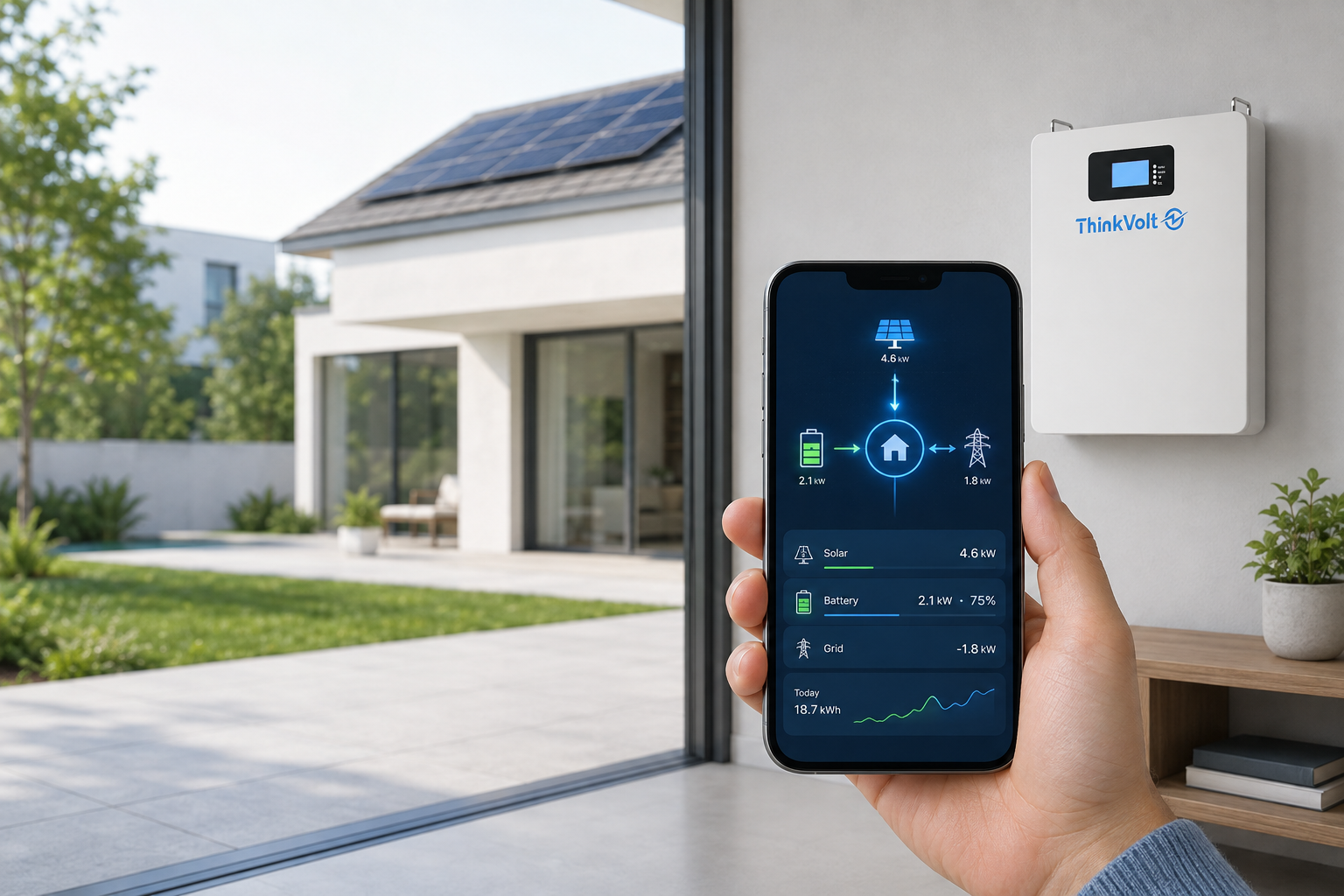
Yes, if the system is designed to use PV during an outage and sufficient solar energy is available. PV may supply loads or recharge the battery, but the actual extension depends on solar production, loads, weather, inverter operation, and system architecture.
Start with the loads you actually need during an outage. Critical-load backup usually requires less energy and can provide longer runtime from the same battery capacity. Whole-home backup generally requires more energy and greater power capability.
Not necessarily. A larger inverter may support higher simultaneous or starting loads, but it does not add stored battery energy. Runtime still depends mainly on usable energy and actual load consumption.
The system may stop or restrict further discharge at its configured minimum SOC. Exact behavior depends on the battery, BMS, inverter, and control settings, so check the applicable system documentation.
Possibly, if the battery-inverter system supports expansion. Confirm permitted battery configurations, BMS and inverter compatibility, parallel requirements, commissioning rules, and any restrictions before assuming additional batteries can be installed later.
Provide your critical-load list, average and peak power requirements, target backup hours, inverter model, existing PV or battery information, installation conditions, and future expansion requirements. These inputs allow the supplier to evaluate energy capacity and power requirements rather than sizing the system by nominal kWh alone.
A reliable home battery backup estimate starts with usable energy, realistic outage loads, and your target runtime—not battery kWh alone. Before selecting a system, also verify continuous power, surge requirements, and equipment compatibility.
For residential backup sizing, send us your critical-load list, target backup hours, inverter model, and existing PV or battery information so the system requirements can be reviewed against your project conditions.