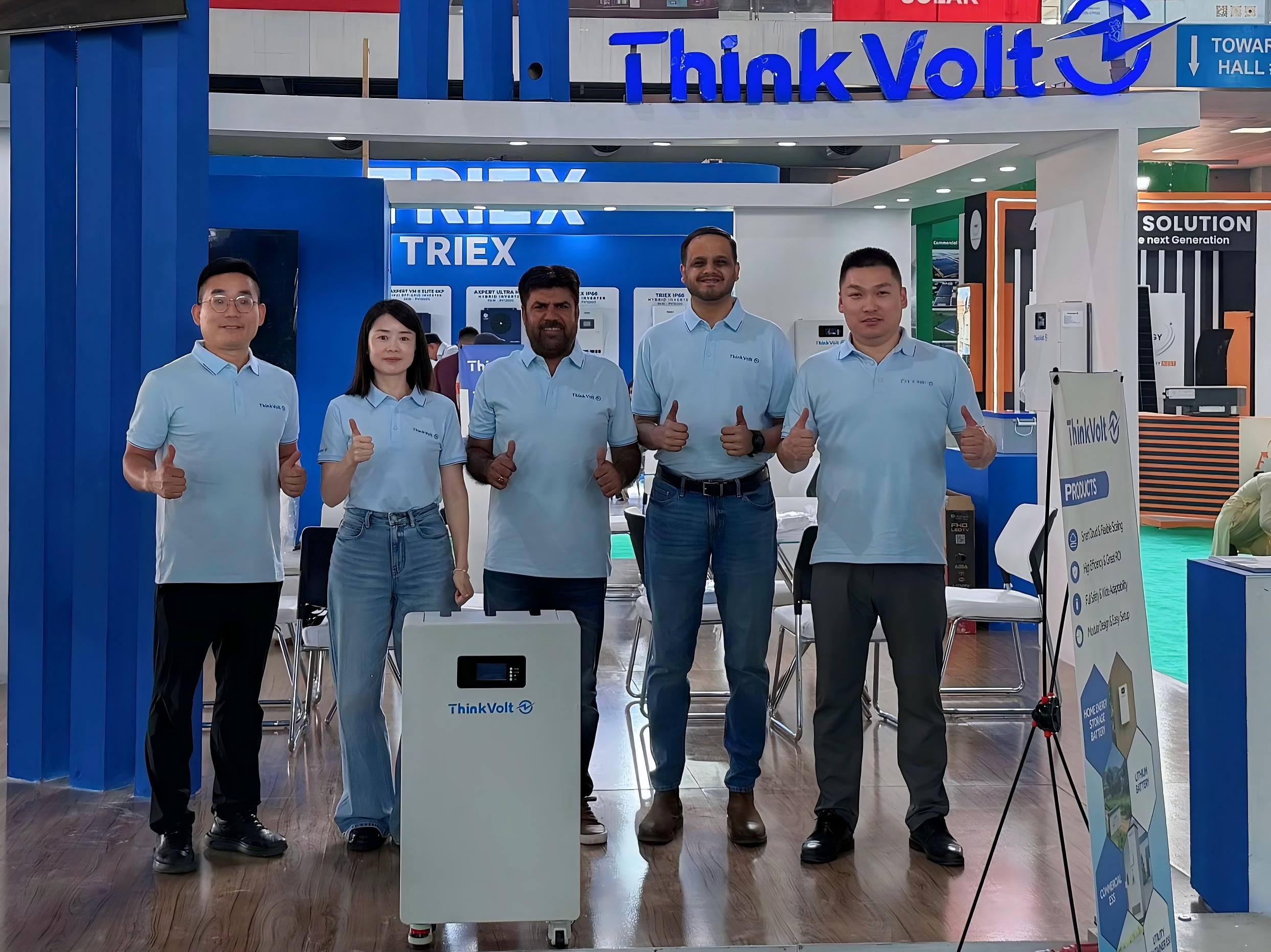
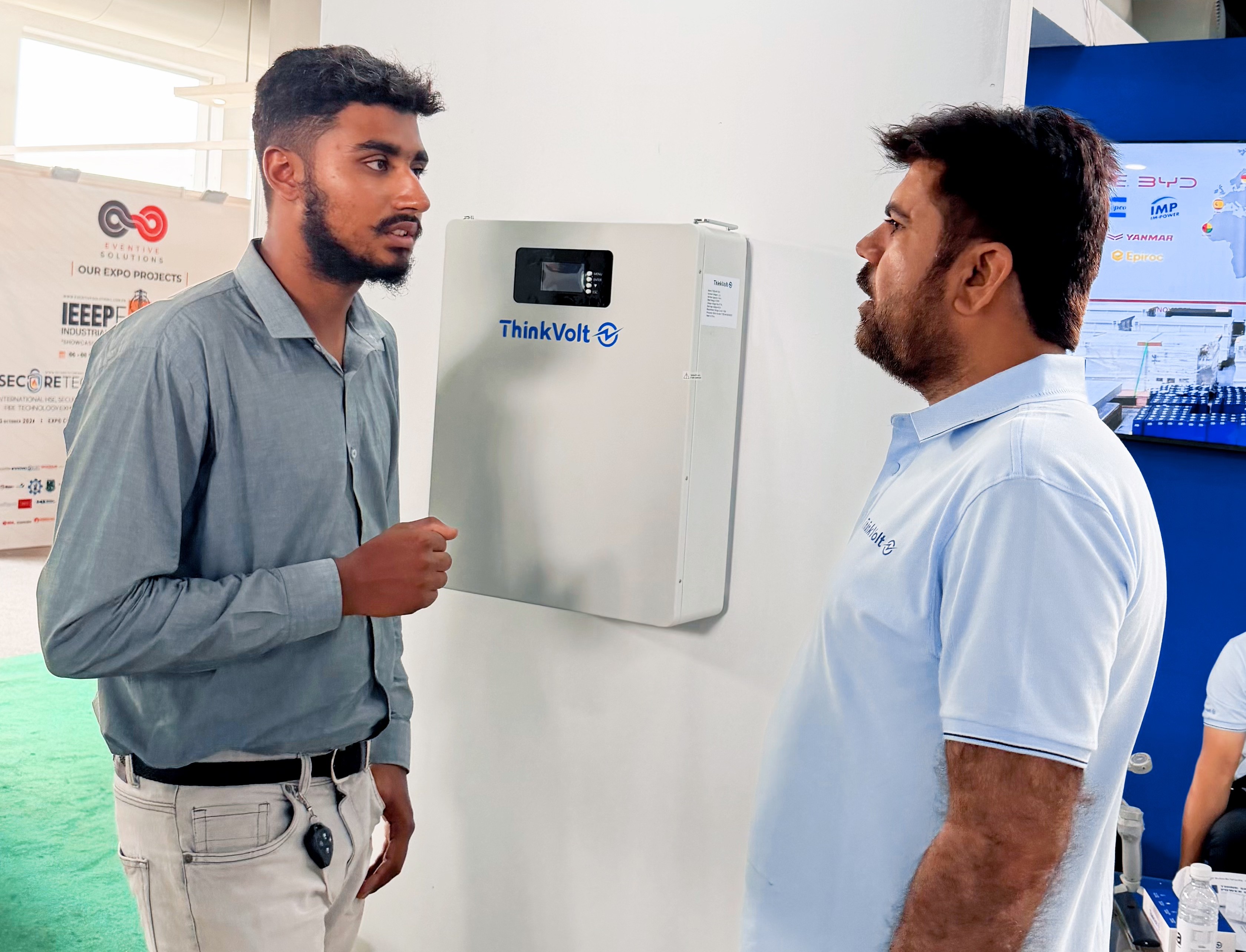
ThinkVolt at Solar & Storage Expo Pakistan 2026: Connecting with Pakistan’s Energy Storage Market
2026-07-23
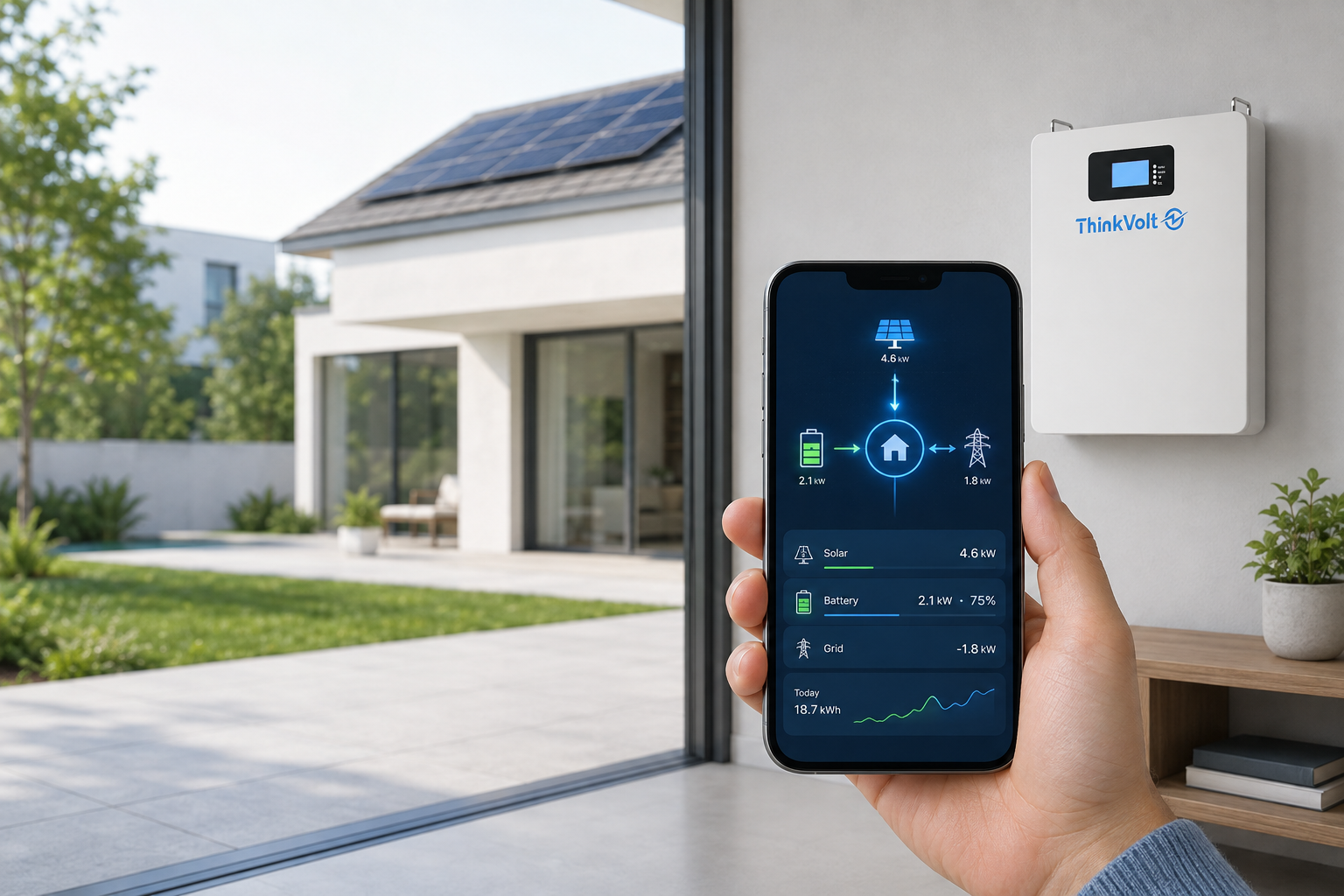
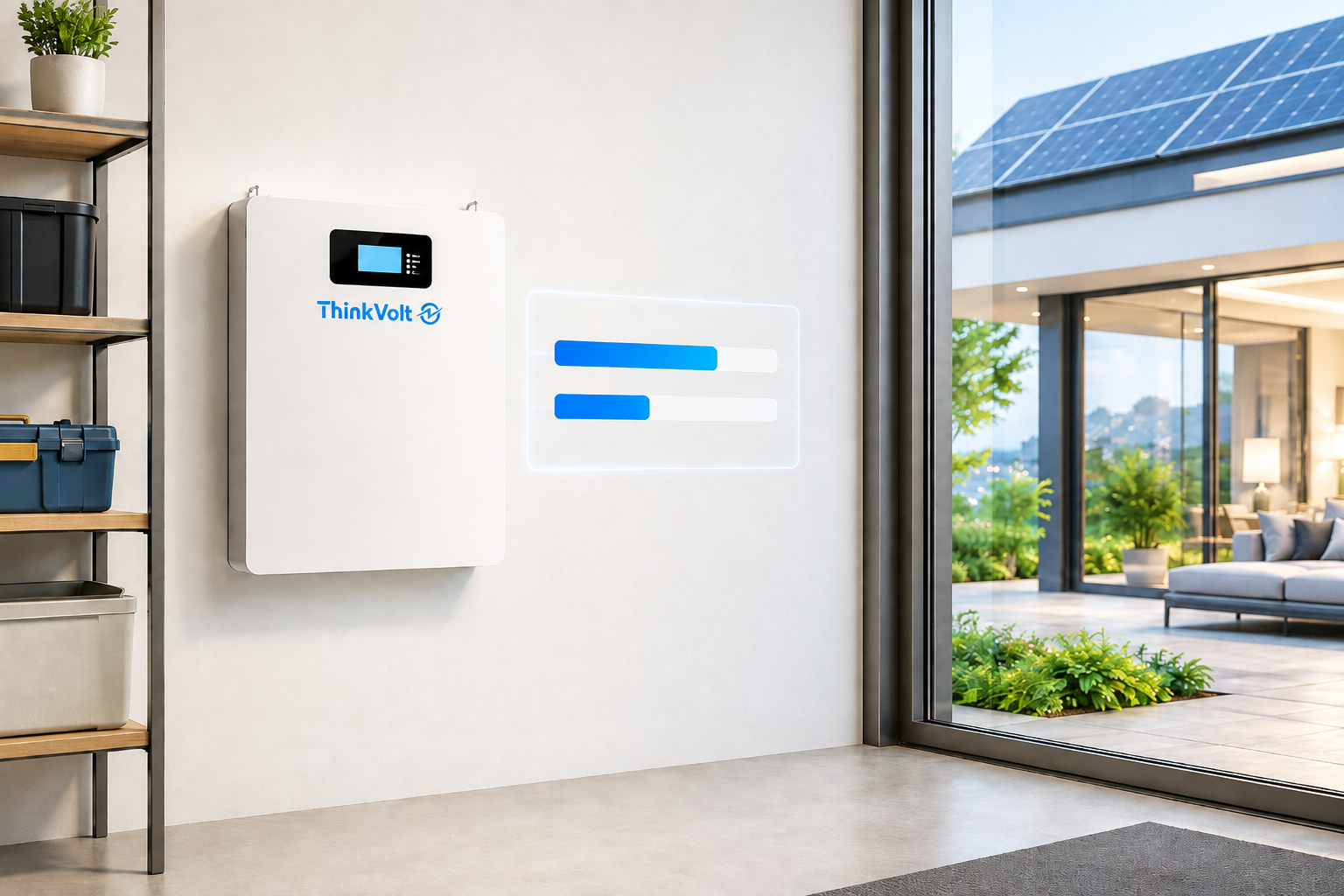
A useful home battery monitoring app should show more than a battery percentage. The most important home battery monitoring app data includes state of charge (SOC), charging or discharging status, real-time power flow between solar, the home, the battery, and the grid, historical energy data, and clear alerts when something needs attention.
For homeowners, this answers practical questions about available energy and current system operation. Installers may also need deeper operating and diagnostic data when a system requires investigation.
A home battery monitoring app should make it easy to understand battery availability, current energy flow, past performance, and conditions that need attention. The goal is not to display every available parameter, but to show the right information for the user.
Data category | Typical information | What it tells you |
Battery status | SOC | How much charge is available |
Live operation | Charging, discharging, or idle | What the battery is doing now |
Energy flow | Solar, home, battery, and grid | Where power is coming from and going |
History | Energy use and production over time | How the system has been performing |
Alerts | Warnings and event information | Whether something needs attention |
Technical data | Operating and diagnostic information | What an installer may need to investigate |
For most homeowners, the first five categories provide the information needed for everyday monitoring. Technical data becomes more important during installation, maintenance, or troubleshooting.
State of charge (SOC) shows the battery’s current charge level as a percentage. It gives you a quick indication of how much stored energy is currently available.
SOC does not, however, tell you exactly how long the battery can power your home. Backup duration also depends on household load, which appliances are being supplied, and the operating limits of the battery and inverter. The same SOC can therefore provide very different backup times under light and heavy loads.
No. SOC describes the battery’s current charge level, not its overall condition or remaining service life. Battery health is a separate concept and may be represented by additional health or diagnostic information when the system provides it.
For everyday monitoring, use SOC to answer “How much charge is available now?” and look at current load data when considering what that stored energy can support.
The app should clearly identify whether the battery is charging, discharging, or idle. It should also make power direction obvious instead of relying on an unexplained positive or negative kW value.
When the battery is charging, energy is flowing into it for later use. When it is discharging, stored energy is being supplied from the battery. An idle or standby state means it is not charging or discharging at a meaningful rate at that moment.
Clear labels, directional arrows, and current power values make these states easier to understand. This is important because manufacturers may use different conventions for positive and negative battery power.
Battery status tells you what the battery is doing. To understand why it is doing it, you need to see the rest of the home energy system.
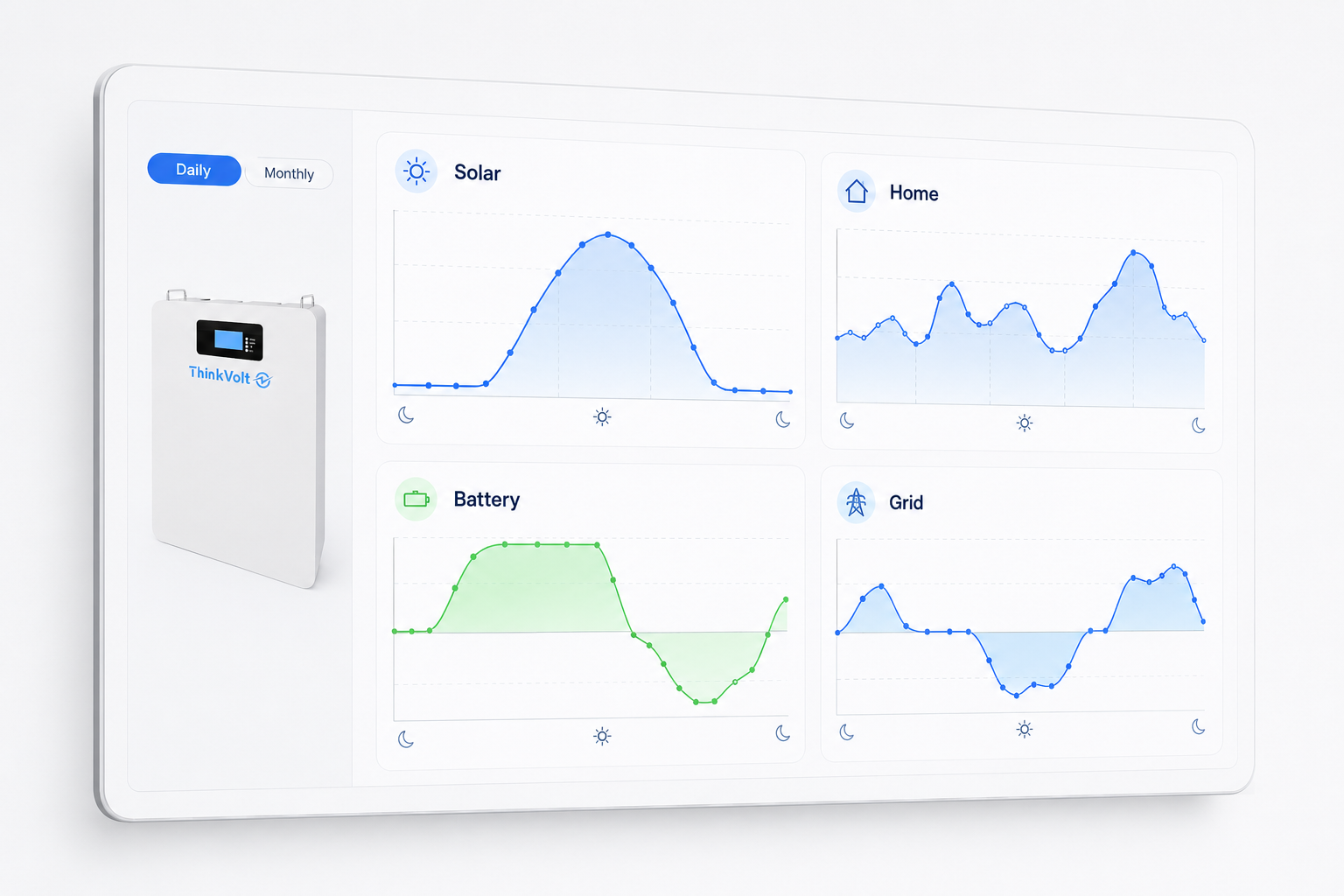
A real-time energy flow screen should show the relationship between four main parts of the system: solar generation, household loads, the battery, and the grid. This lets you see where power is coming from and where it is going.
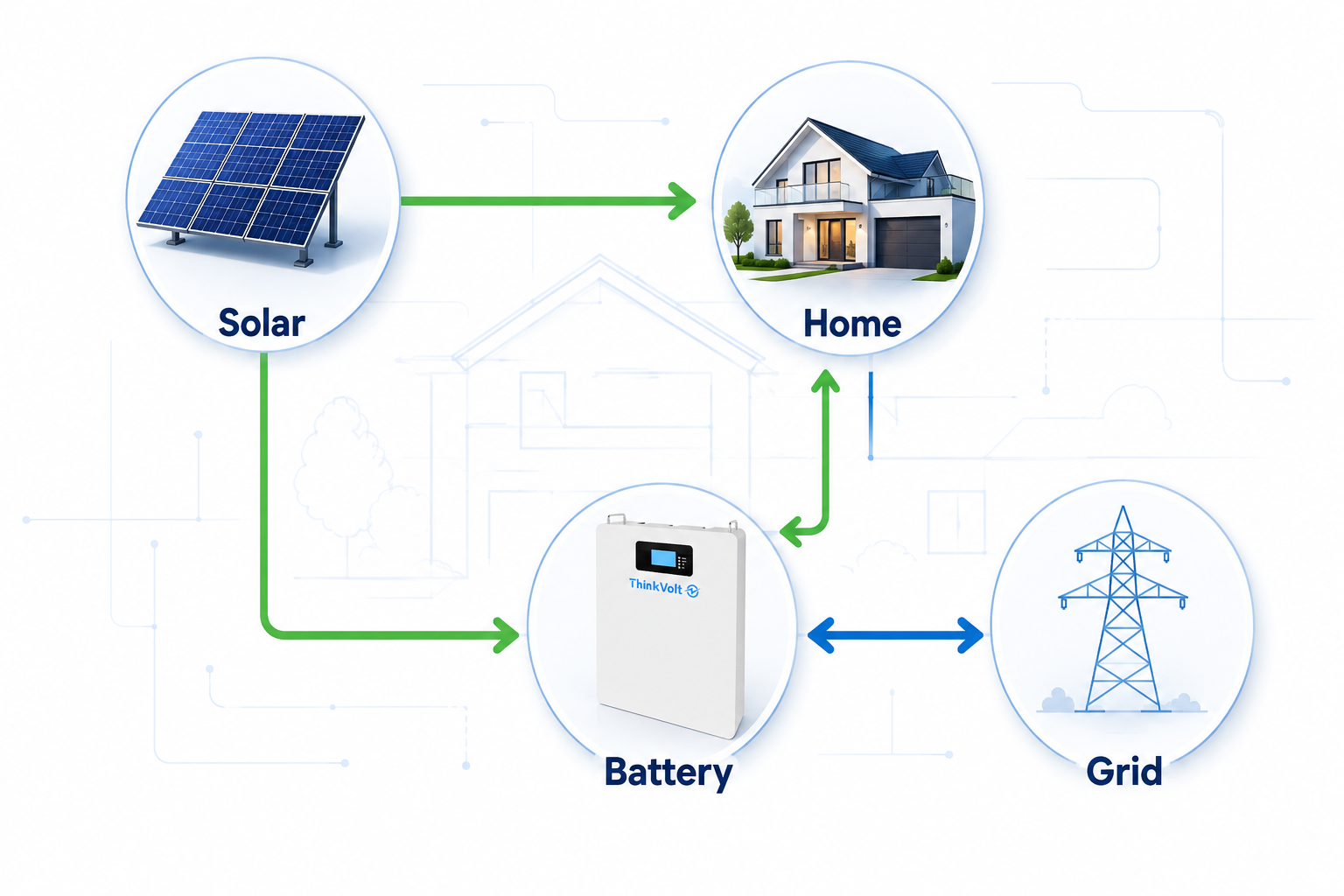
For example, solar may supply the home directly while surplus production charges the battery. When solar production is insufficient, the battery may discharge to support household demand. Depending on the system configuration and operating conditions, the grid may supply additional power or receive exported energy.
A clear interface should help you answer questions such as:
· Is solar covering the current home load?
· Is surplus solar charging the battery?
· Is the battery supplying the home?
· Is the home currently importing power from the grid?
· Is energy being exported where the system supports it?
SOC tells you how much charge is available. Energy flow tells you what the overall system is doing now.
For example, a battery can have a high SOC while the home is still importing grid power because of operating settings, load conditions, or other system controls. The energy flow screen provides the context needed to see that behavior without assuming it represents a fault.
kW (kilowatts) shows power at a particular moment, while kWh (kilowatt-hours) shows the amount of energy produced, consumed, charged, or discharged over time.
Live energy flow screens typically use kW for current solar output, household demand, battery power, and grid power. Historical pages use kWh to show accumulated energy over a selected period.
For example, if a load operates continuously at 2 kW for two hours, it uses 4 kWh of energy. This illustrates the units rather than estimating actual battery performance, which is also affected by system operating limits and losses.
The simplest distinction is:
kW = what is happening now
kWh = how much happened over time
Clear units prevent users from confusing instantaneous power with stored capacity or accumulated daily energy.
Historical monitoring should show how solar generation, household consumption, battery use, and grid interaction change over time. It should help users identify patterns rather than simply store a long SOC record.
Where the system supports these measurements, useful historical data may include:
· Solar energy generated
· Household energy consumed
· Energy charged into and discharged from the battery
· Energy imported from the grid
· Energy exported to the grid
· Battery SOC over time
Daily views can reveal when solar production rises, household demand peaks, or the battery normally charges and discharges. Weekly and monthly views make broader changes easier to identify.
Start with a question rather than looking at every graph.
Question | Historical data to check |
Am I importing more energy from the grid? | Grid import trend |
Is surplus solar reaching the battery? | Solar generation and battery charge history |
When does household demand tend to peak? | Consumption history |
When is the battery normally discharged? | Battery discharge and SOC history |
Avoid drawing conclusions from one unusual day. Weather, household demand, system settings, and other operating conditions can all change the pattern.
The app should also identify the selected time period, units, and available data history clearly enough for meaningful comparisons.
For most homeowners, SOC and overall system status are more useful for daily monitoring than raw battery parameters. Voltage, current, temperature, and deeper BMS information become more relevant when an installer or technician needs to investigate system operation.
Voltage and current provide electrical operating context, while temperature indicates the conditions under which the battery is operating. These values should not be interpreted against generic limits because acceptable ranges depend on the battery design, BMS, system configuration, and manufacturer specifications.
Some systems may also expose state of health (SOH), cycle information, or other health indicators. These are useful only when the system defines how they are calculated and should be interpreted. SOC and SOH should not be treated as interchangeable measurements.
Usually not for everyday monitoring. Individual cell voltages and other detailed BMS information may be valuable for service diagnostics, but they can add unnecessary complexity to a homeowner dashboard.
A practical interface can therefore prioritize SOC, system status, energy flow, and warnings while making deeper information available to qualified users when needed.
A useful alert should explain what happened, when it happened, and what part of the system may need attention. A generic “Error” provides little guidance.
Where the monitoring system supports it, a useful alert can include:
What happened → When → Where → What next
The app should distinguish ordinary status information from warnings or conditions that require further attention. It may also identify whether an event is active or historical.
For homeowners, the next action should be understandable. Depending on the condition, that could mean continuing to monitor the system, checking approved product guidance, or contacting an installer or technical support. The app should not encourage unqualified work on live electrical equipment or changes to protection settings.
Fault codes can help installers and technical support, but they are most useful when paired with a readable explanation.
Codes are also system-specific. Their meaning should be checked against the documentation for the exact battery, BMS, or inverter rather than assumed from another system. Keeping relevant event history can also help an installer investigate intermittent problems after an active warning has cleared.
An installer may need device status, operating parameters, event history, and diagnostic information in addition to the homeowner’s SOC, energy flow, history, and alerts. This additional context can help narrow an investigation before deciding what needs to be checked.
Homeowner usually needs | Installer may additionally need |
SOC and battery status | Device-level status |
Real-time energy flow | Operating parameters |
Energy history | Event and warning history |
Clear alerts | Diagnostic context |
Overall system status | Battery, inverter, and communication information where available |
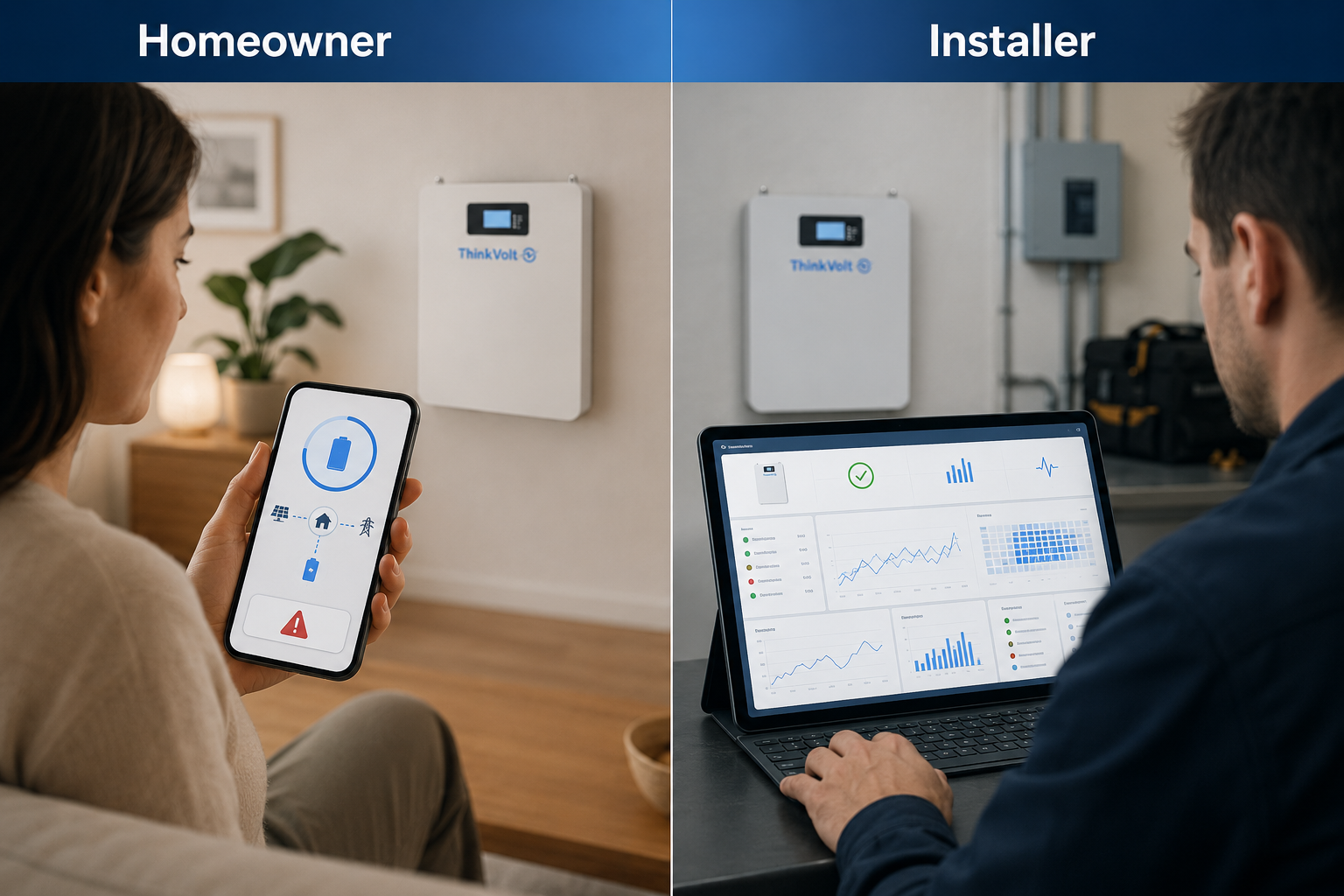
Remote access can be particularly useful when an installer needs to review system behavior or historical events before arranging a site visit.
ThinkVolt describes remote monitoring through mobile apps and PCs on supported systems, together with BMS-based data acquisition, real-time analysis, alerts, and historical data capabilities at the applicable system level. The exact monitoring scope varies by solution, so residential app fields and installer permissions should be confirmed for the relevant product and configuration.
No. Monitoring can narrow down a problem, but it cannot replace every physical inspection, electrical measurement, commissioning check, or manufacturer-approved diagnostic procedure.
This is particularly important for battery-inverter communication, protection settings, parallel systems, and other configuration-dependent issues. Diagnostic decisions should follow the documentation and requirements for the exact battery, inverter, firmware, and system configuration.
Useful monitoring data should be clear, current enough for its purpose, supported by historical context, and connected to a decision. The number of parameters on the screen is a poor measure of monitoring quality.
A practical app should let users answer six questions:
1. How much charge is available?
2. What is the battery doing now?
3. Where is power coming from and going?
4. What has happened over time?
5. Does anything need attention?
6. Can an installer access useful diagnostic context when needed?
Data direction and timing should also be clear. Users should not have to guess whether a battery value represents charging or discharging, whether grid power means import or export, or whether a supposedly live reading is stale.
The appropriate level of detail also depends on the user. Homeowners generally benefit from a simple overview, while installers may need deeper operating and diagnostic information.
No. More data adds value only when it is understandable and relevant to a decision.
A layered approach works better: clear, actionable information for everyday monitoring, with deeper technical data available when the system and user role require it.
Treat a backup-time estimate as a guide, not a guaranteed runtime. Actual duration depends on available battery energy, household load, inverter behavior, system limits, and changing operating conditions. SOC shows the current charge level, while the load determines how quickly that available energy may be used.
The two systems may measure at different points, refresh at different intervals, or use different calculation and display methods. Small differences therefore do not automatically indicate a problem. Large or persistent discrepancies should be checked using the documentation and configuration for the exact battery and inverter.
It depends on the monitoring architecture. Some systems rely on cloud connectivity for remote access, while others may retain certain local functions. Confirm what remains visible without internet access, whether monitoring continues locally, and how historical data is handled after connectivity returns.
Continuous checking is usually unnecessary when the system is operating normally. Periodic reviews can help you understand SOC, energy flow, and longer-term patterns, while alerts can highlight conditions that deserve attention. Monitoring can also be useful after an outage, configuration change, or unusual system event.
No. Remote data can help review system status and narrow an investigation, but some problems require physical inspection, electrical measurements, communication checks, or manufacturer-approved procedures. Remote monitoring should support technical diagnosis rather than replace every on-site check.
A stale reading deserves attention, but it does not automatically mean the battery has failed. The cause may involve connectivity, communications, the monitoring platform, or another system component. Follow the approved system guidance and contact the installer or technical support if monitoring does not recover or other abnormal behavior appears.
Ask about SOC, charge/discharge status, real-time solar/home/battery/grid flow, historical energy data, and alerts. Also confirm data retention, connectivity, remote access, and installer diagnostics for the exact battery, inverter, and monitoring platform. Do not assume two systems provide the same monitoring functions simply because both offer an app.
A good home battery monitoring app turns system data into clear answers about available energy, current power flow, historical performance, and conditions that need attention. It should keep everyday monitoring simple while providing installers with deeper diagnostic context when required.
For a residential energy storage project, send ThinkVolt your battery and inverter model, system configuration, monitoring requirements, and project details so the relevant compatibility and monitoring requirements can be reviewed.